
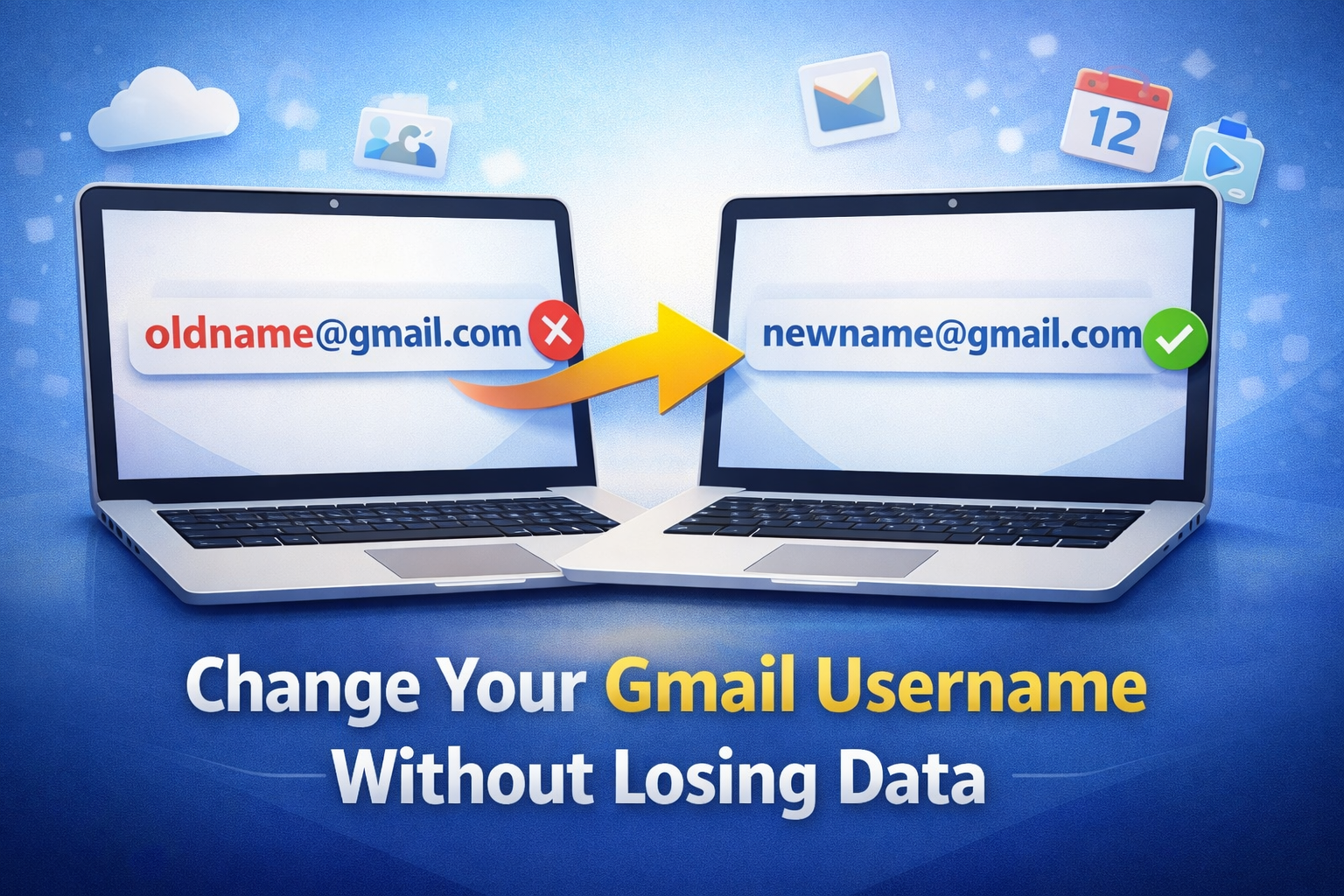
Google Gmail Username Change 2026: How to Change Old Gmail Address Without Losing Data
Google Gmail username change is one of the most awaited updates for Gmail users. For years, users were stuck with old or unprofessional Gmail IDs created during school or college days. Now, Google is gradually rolling out a feature that allows users to change their Gmail username without losing emails, files, or access to Google services.
This update is expected to become widely available around January 2026, starting with a gradual rollout, especially in regions like India.
What Is Google Gmail Username Change Feature?
The Google Gmail username change feature allows users to replace their existing @gmail.com email address with a new @gmail.com address while keeping the same Google account.
Earlier, Gmail usernames were permanent. The only option was to create a new account and manually transfer emails and data. With this new update, users can update their Gmail ID easily without creating a new account.
How Google Gmail Username Change Works
When you use the Google Gmail username change option:
Your new Gmail address becomes the primary email
Your old Gmail address turns into an alias
Emails sent to both old and new addresses arrive in the same inbox
All Google services like Drive, YouTube, Photos, Maps, and Play Store remain connected
However, in some places such as Google Drive sharing or Calendar invites, your old email address may still appear initially.
Example: Gmail Username Change
Old Gmail ID (Before Change):
❌ rahul1998@gmail.com
New Gmail ID (After Change):
✅ rahul.verma@gmail.com
What happens after the change?
rahul1998@gmail.combecomes an aliasEmails sent to both email addresses are delivered to the same inbox
Google Drive, YouTube, Photos, and Play Store continue to work as before
Who Can Use Google Gmail Username Change?
The Google Gmail username change feature is available only for:
Personal Google accounts ending with @gmail.com
It is not available for:
Work or Office Google Workspace accounts
School or college-managed accounts
Family or group-managed Google accounts
Such users must contact their administrator for any email-related changes.
Limits and Rules You Should Know
Google has added restrictions to prevent misuse of the Google Gmail username change feature:
Gmail username can be changed once every 12 months
Maximum three changes allowed per account
Old Gmail address cannot be reused to create a new account during the 12-month cooldown
These limits help maintain account security and prevent spam activity.
How to Change Gmail Username (Step-by-Step)
Once the feature is available for your account, follow these steps:
Sign in to your Google account
Go to Personal Information
Select Google Account email address
Click on Change (if visible)
Choose an available new Gmail username and confirm
If you do not see the change option, it means the Google Gmail username change feature is not yet available for your account.
Possible Issues After Google Gmail Username Change
Google has warned users that some temporary issues may occur after changing their Gmail username:
Chromebook home directory may appear empty
Trouble signing in to certain Google services
Payment information may be temporarily removed
Chrome Remote Desktop may stop working
Most issues resolve automatically within a few hours. Some may require manual action, which Google explains on its troubleshooting support pages. Users are advised to back up important data before making changes.
Why This Update Is Important for Users
The Google Gmail username change feature is especially helpful for:
Professionals using outdated or casual email IDs
Business owners wanting a cleaner digital identity
Users who want consistency across Google services
Earlier, changing Gmail meant losing convenience and risking data migration problems. This update removes that hassle completely.
Final Thoughts
Google Gmail username change is a major improvement for Gmail users worldwide. While the rollout is gradual and not yet available to everyone, the feature promises flexibility, professionalism, and ease of use.
If you have been waiting to upgrade your old Gmail ID without losing data, this update could be a game changer. Keep checking your Google Account settings and wait for the option to appear.
Disclaimer: Google has not made an official global announcement yet. The feature is being rolled out gradually based on updated support documentation.
📞 Need Help With Gmail or Google Account Setup?
If you want professional assistance with Google account management, Gmail setup, or digital business support, our team is here to help.
👉 Call / WhatsApp: +91-8766241171
🌐 Visit our website to get expert guidance and quick support for your business needs.
Frequently Asked Questions (FAQs)
1 Can I change my Gmail username without losing old emails?
Yes, with the Google Gmail username change feature, you can change your Gmail address without losing emails, Google Drive files, photos, or subscriptions. Your old email becomes an alias, so messages will still reach your inbox.
2 How many times can I change my Gmail username?
You can use the Google Gmail username change option only once every 12 months and a maximum of three times in total for one account.
3 Will my old Gmail address stop working after the change?
No, your old Gmail address will remain active as an alias. Emails sent to your old or new Gmail address will be delivered to the same inbox.
4 Is the Google Gmail username change feature available for all users?
No, the feature is being rolled out gradually. As of now, it is available only to some personal @gmail.com users. Work, school, or Google Workspace accounts are not eligible.
5 How can I check if Gmail username change is available for my account?
Log in to myaccount.google.com, go to Personal Information → Google Account email. If the change option is visible, the feature is available for your account.
6 Will changing my Gmail username affect Google Drive or YouTube?
No, all Google services like Drive, YouTube, Photos, Maps, and Play Store will continue to work normally. However, in some cases, your old email address may still appear in shared files or calendar invites.
7 Can I use my old Gmail address to create a new account?
No, after changing your Gmail username, your old address cannot be used to create a new Google account until the 12-month cooldown period ends.
8 Are there any risks or issues after changing Gmail username?
Some users may face temporary issues such as sign-in problems, payment method removal, or Chromebook sync issues. Most of these problems resolve automatically within a few hours.
9 When will Google Gmail username change be available globally?
Google has not announced an official global launch date. The feature is expected to expand gradually, starting in regions like India.
10 Should I take a backup before changing my Gmail username?
Yes, Google recommends backing up important emails, files, and account data before using the Google Gmail username change feature, especially if you use Chromebook or linked payment services.